The Mega Menu Block adds a menu item that opens a wide dropdown. The dropdown content is a “Mega Menu” template that you build with any blocks, such as columns of links, images, buttons, and text.
Use it for sites with many pages or product categories, where a simple dropdown list is too long.
How to Add a Mega Menu Block
Follow these steps to add and configure the Mega Menu Block in the Gutenberg editor.
Step 1: Add the Mega Menu Block
- Open the header template part in the Site Editor (Appearance > Editor), or any page with a Navigation block.
- Select the Navigation block and click the + inside it to add a menu item.
- Search for Mega Menu under ShapeBlock.
- Insert the Mega Menu Block into the navigation.
- Type the menu label on the block, then select it to access its settings in the right-hand sidebar.

Step 2: Configure the Mega Menu Block
Select the Mega Menu Block and open its settings in the right-hand sidebar. The available tabs are:
- Settings: Set the link, choose or create the dropdown content, and choose how it opens.
- Layout: Set the dropdown width.
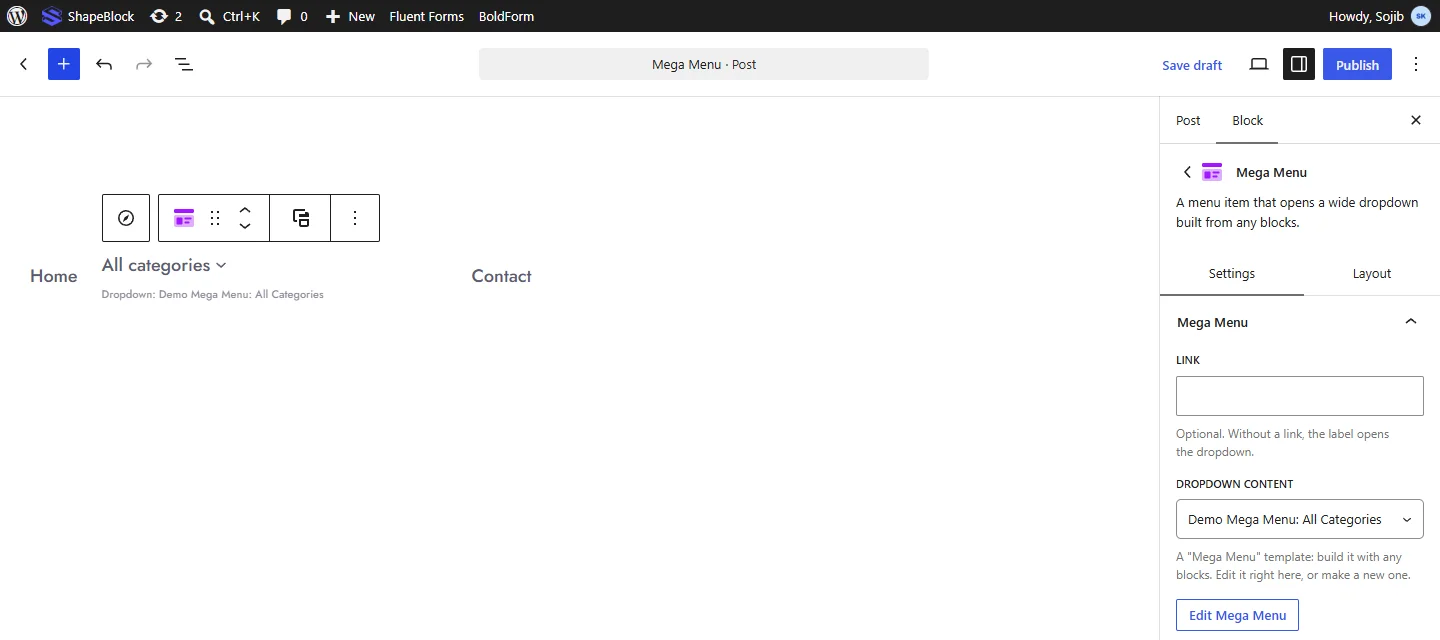
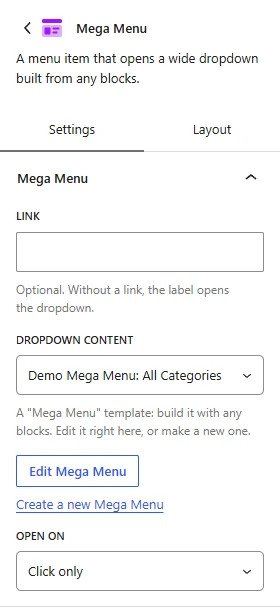
Settings Tab
The Settings tab contains the Mega Menu panel.
1. Mega Menu
- Link: Optional. Enter the URL the menu label opens. Without a link, the label opens the dropdown.
- Dropdown Content: Choose the “Mega Menu” template shown in the dropdown.
- Edit Mega Menu: Edit the chosen template in a window, right in the editor.
- Create a new Mega Menu: Create a new, empty template and edit it.
- Open On: Choose Hover (and click) or Click only.
Note: The dropdown only shows on the site when its template is published. A draft template shows a warning in this panel.
Layout Tab
The Layout tab contains the Layout panel.
1. Layout
- Dropdown Width: Choose Wide (site width), Full screen width, or Custom.
- Width (px): Set the dropdown width. This option appears with Custom.

Live demo: see the Mega Menu Block in action on the Mega Menu demo page.